Convertle: In-Browser File Converter
Free, private file converter that runs entirely in your browser. Converts images, video, audio, and documents on the client device using WebAssembly and browser media APIs—no server uploads, no accounts, and no subscriptions.
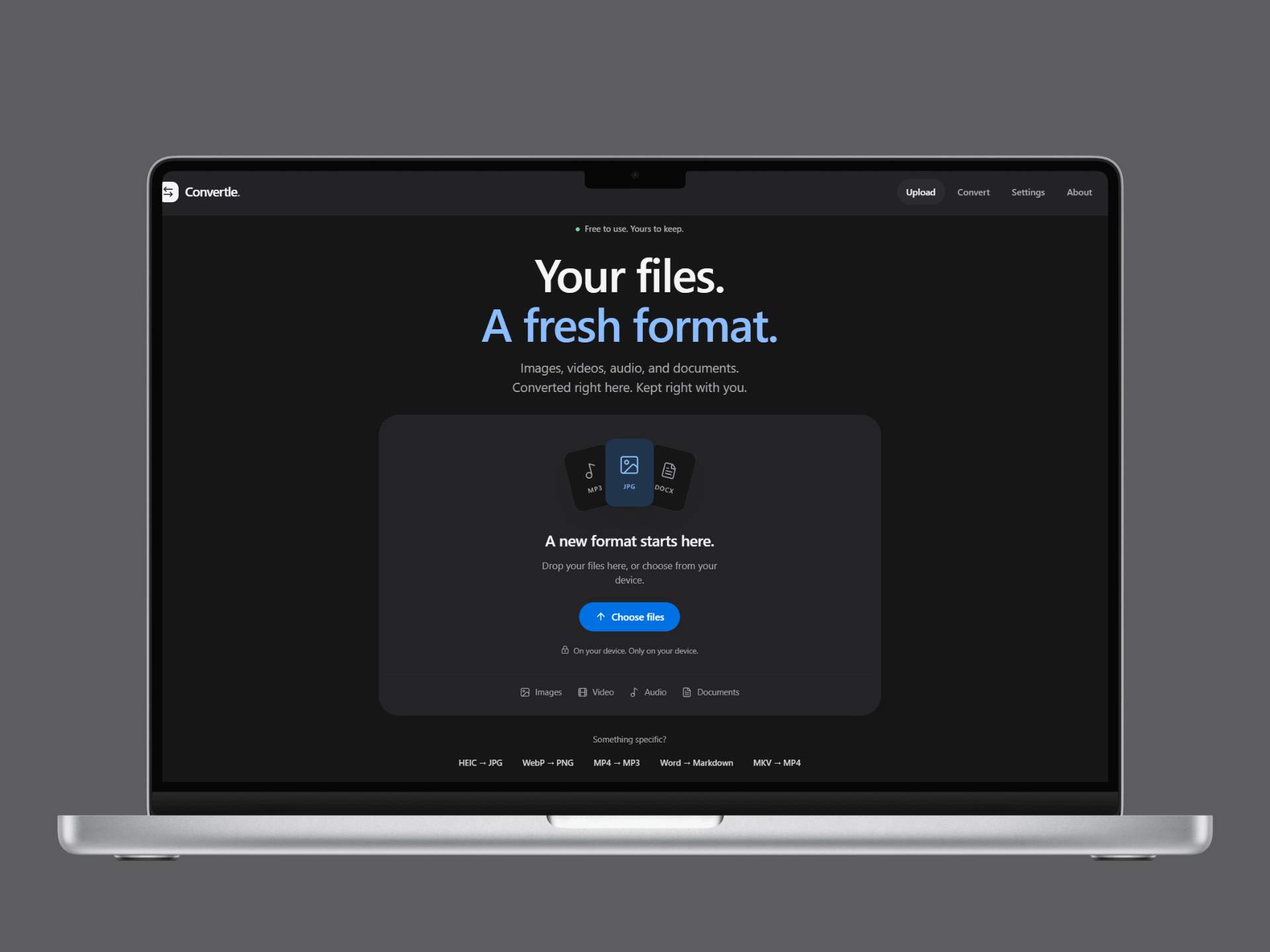
Overview & Problem
Most online file converters require users to upload files to a remote server for processing. This creates bandwidth overhead, queues, and privacy vulnerabilities when handling sensitive data. Convertle executes conversions directly in the user's browser using WebAssembly binaries and browser media APIs. Files remain in local device memory and are never uploaded to a backend.
Tech Stack
Features
- •Private by Design: Files never leave the browser. Zero server upload, zero storage, zero logging.
- •Batch Conversion: Drop multiple files or entire directory folders to process concurrently and download results together.
- •Configurable Output: Fine-tune quality, dimensions, and codecs with sensible preset defaults.
- •Zero Friction: No account creation, no subscriptions, and no usage quotas.
Supported Formats
HEIC, JPG, PNG, WebP, AVIF, SVG, camera RAW, and specialist raster formats.
MP4, MKV, WebM, and standard video container formats.
Audio extraction (e.g., MP4 to MP3), WAV, AAC, and OGG transcoding.
Document conversions including Word (DOCX) to Markdown and plain text.
Limitations
- Memory Constraints: Converting large video files is bounded by the host device's available RAM. Processing high-bitrate long videos may cause browser tab memory exhaustion on low-memory devices.
- PDF Support: PDF document parsing and rasterization is not yet supported in the current client-side pipeline.